Next actionAssignedConfirm the production VLAN by Oct 9
02
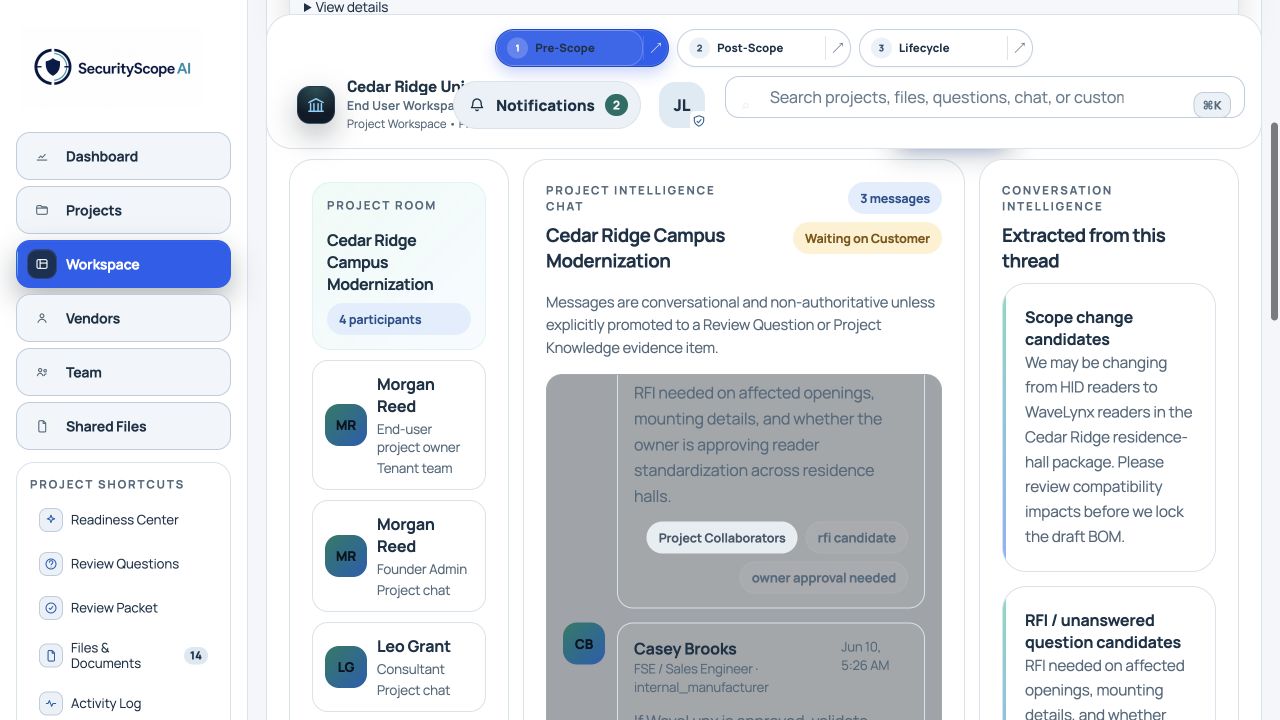
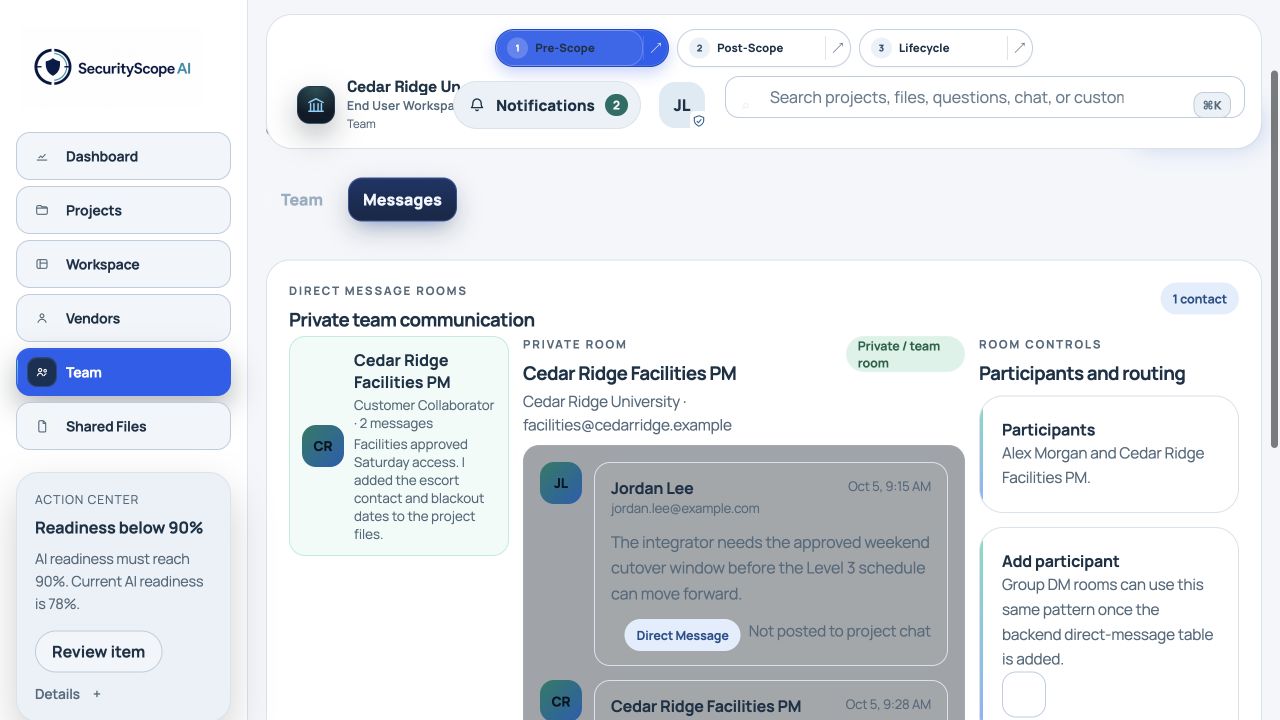
Project and team chat
Keep project-wide coordination and internal team conversations in the same operating context as the work.
Project rooms for approved participants
Separate internal and direct conversations
Conversation intelligence for risks, RFIs, and actions
Promote an approved message into governed project knowledge
Project ChatTeam Messages
Conversation remains in the right visibility lane and can become governed knowledge through an explicit action.
03
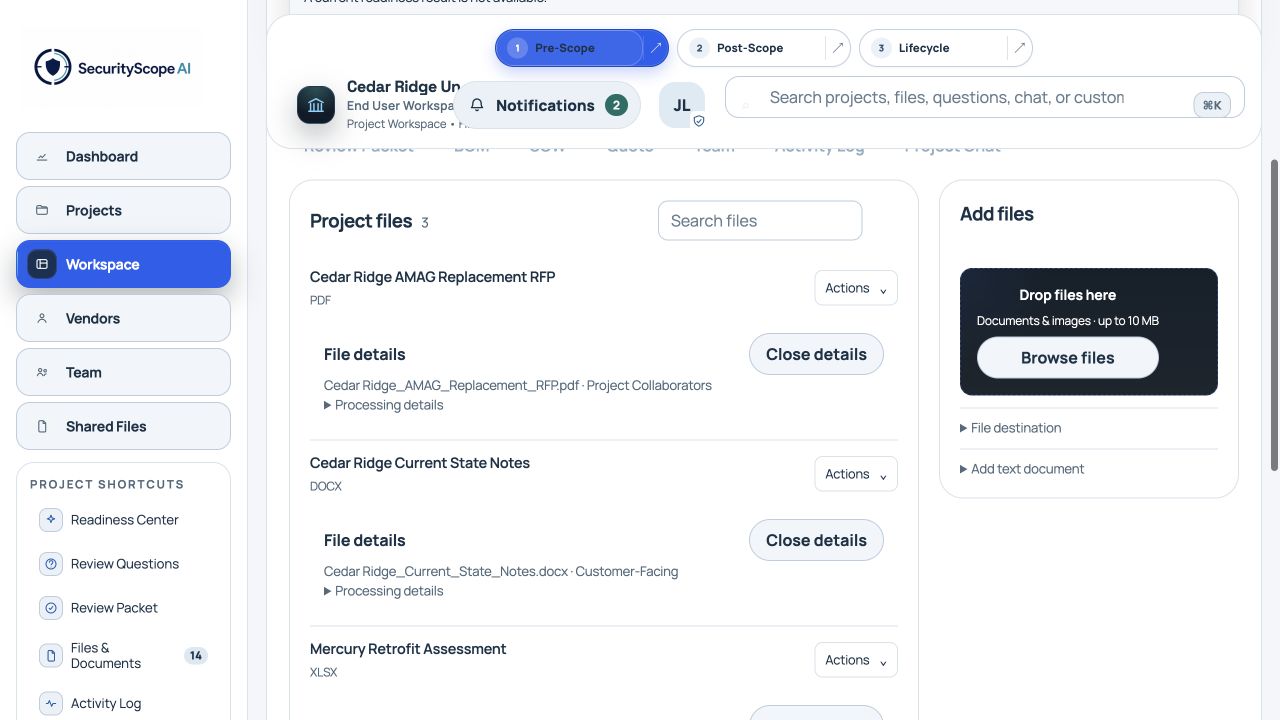
Intelligent files and evidence
Store, preview, download, and organize project documents without separating the file from the decisions and facts it supports.
Project and shared file libraries
Inline details, preview, and download actions
Document classification and processing state
Source-backed facts and revision awareness
Illustrative product viewFiles remain connected to the project, visibility rules, extraction status, and resulting evidence.
04
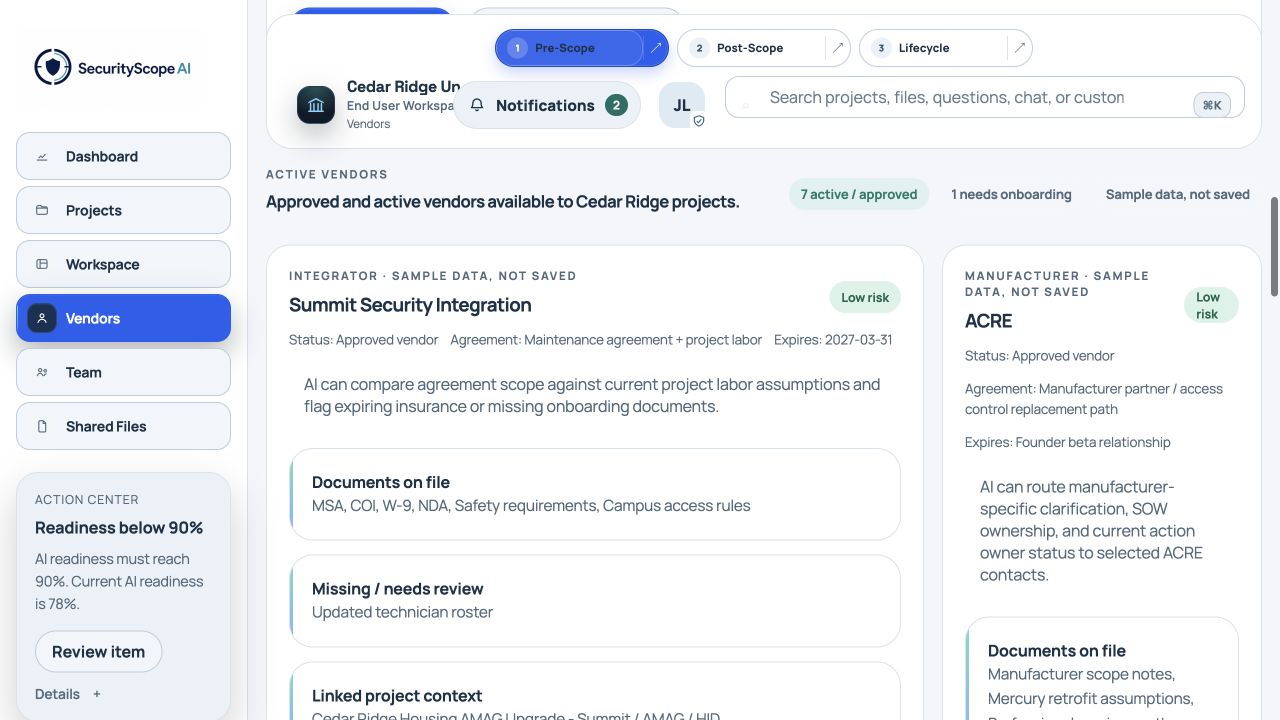
Vendor and partner management
Manage integrators, manufacturers, consultants, agreements, documents, risks, and project assignments in one governed view.
Onboarding and approval status
Agreements and expiration tracking
Required and missing documents
Linked project and product context
Illustrative product viewVendor readiness is visible before a company is assigned to sensitive project work.
05
Governed multi-party handoffs
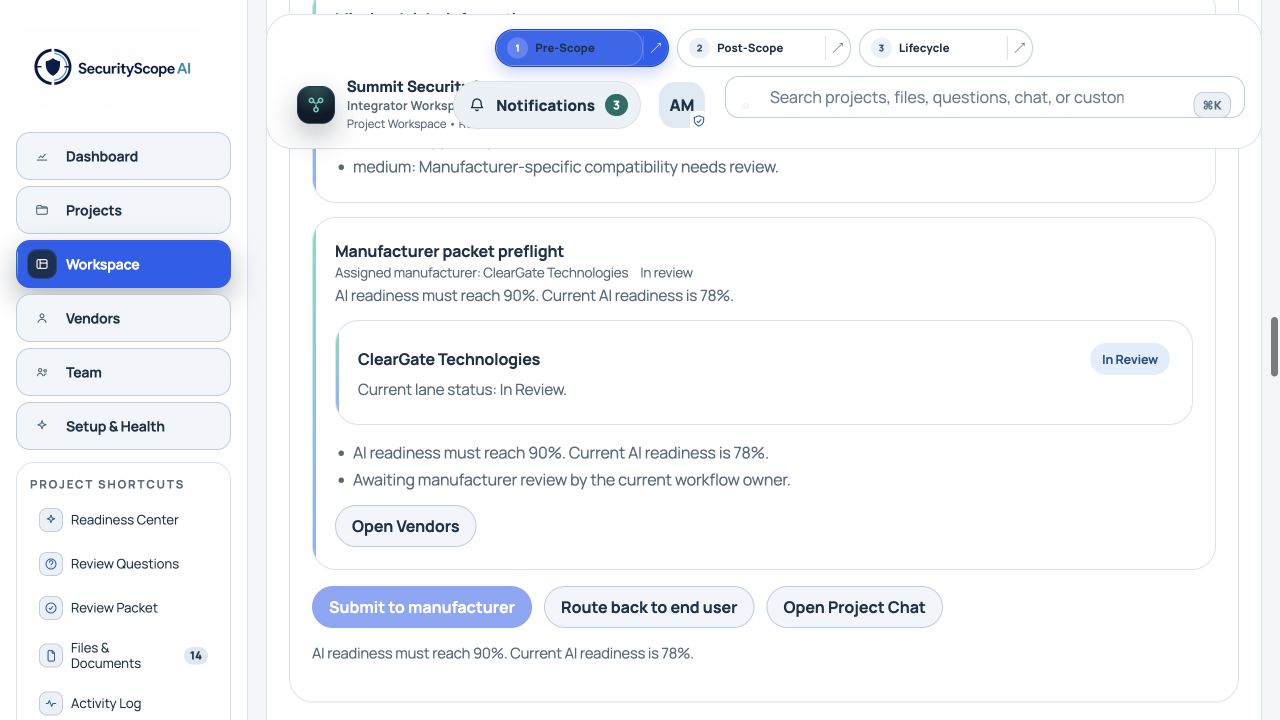
Move an approved project basis between organizations without turning the shared record into an email attachment or a copied task list.
One review packet with source context
Readiness gates before routing
Route forward or return for clarification
Human approval retained at each handoff
Illustrative product viewThe review packet carries the governed project truth while each tenant keeps its own authority.
06
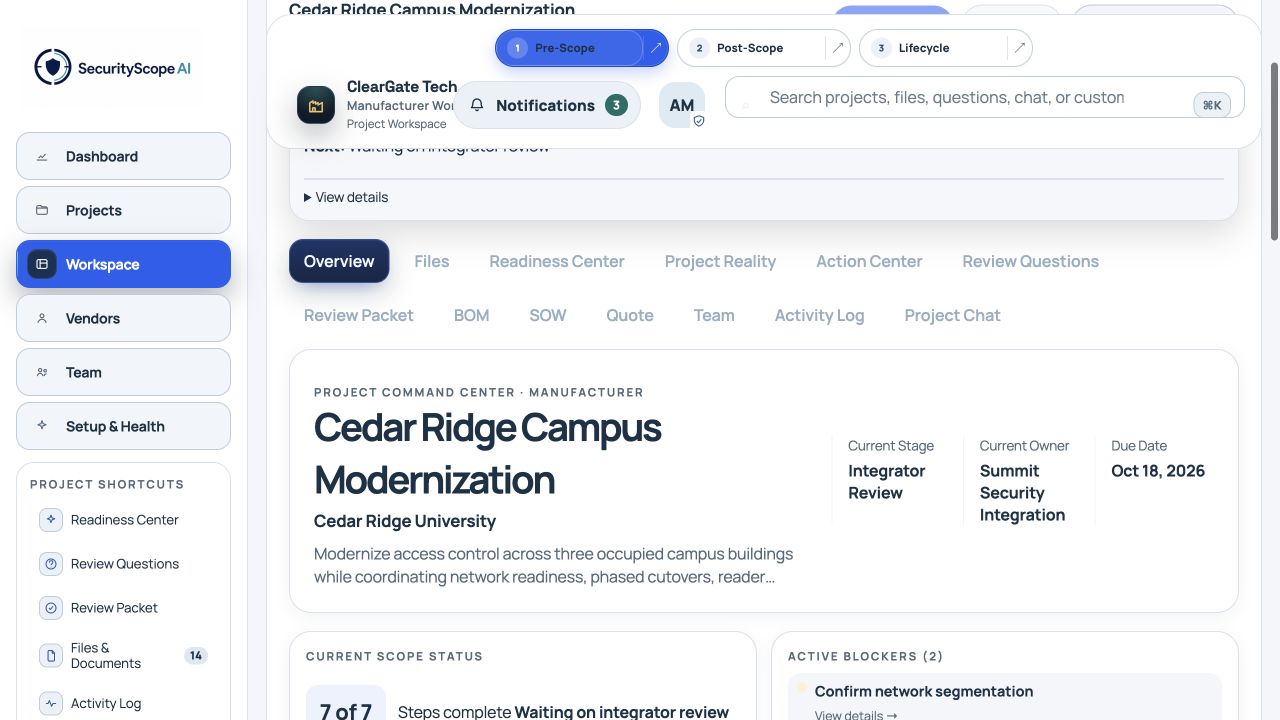
Accountability across tenants
Every participant can see the current stage, responsible organization, active blockers, and next governed action without taking over another tenant's work.
Named current owner by organization
Blockers tied to evidence and decisions
Role-specific views of the same project state
Notifications and deadlines routed to the right team
Illustrative product viewClearGate can see that Summit owns the current review and which items are blocking progress.
07
Three pillars, one connected record
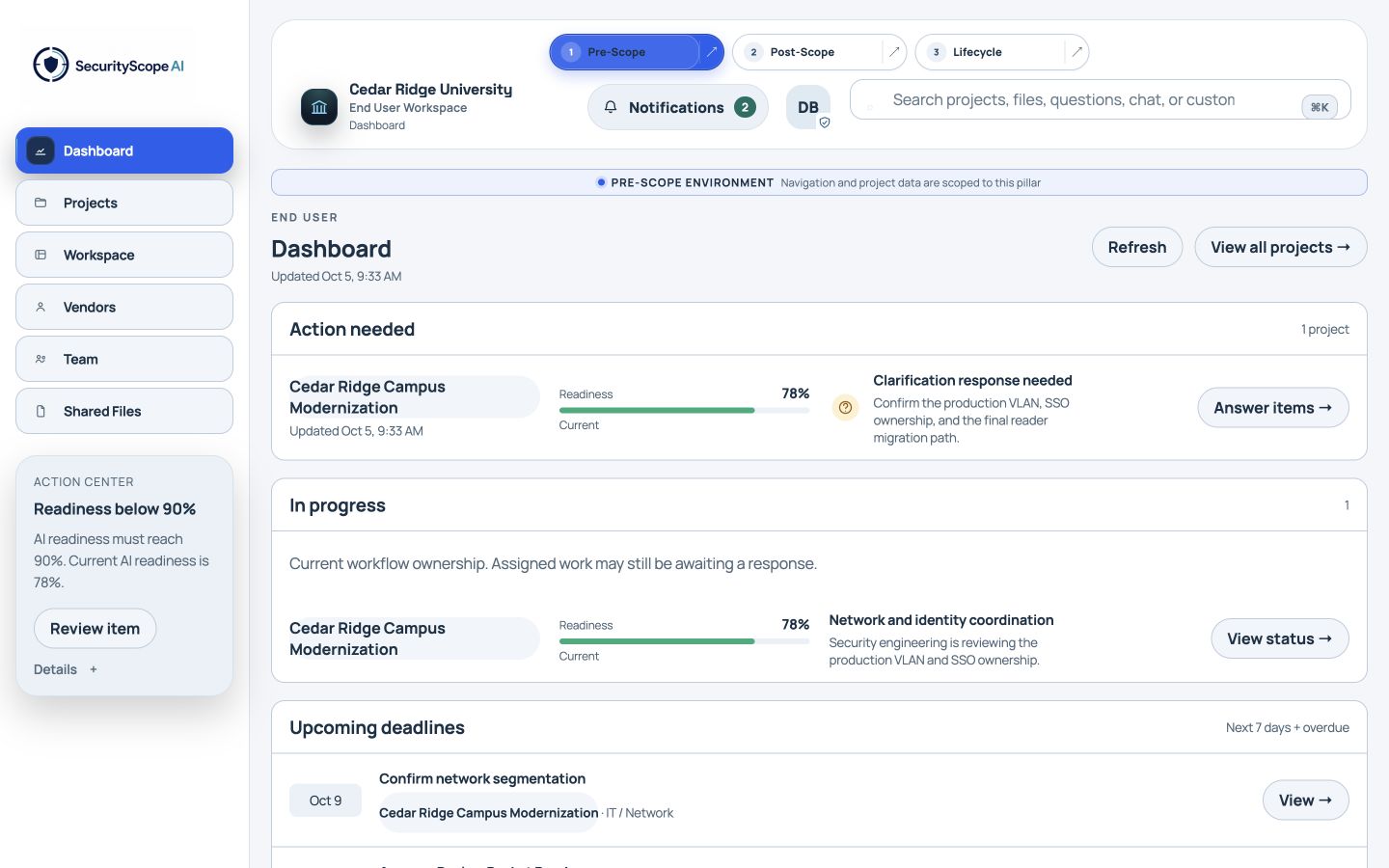
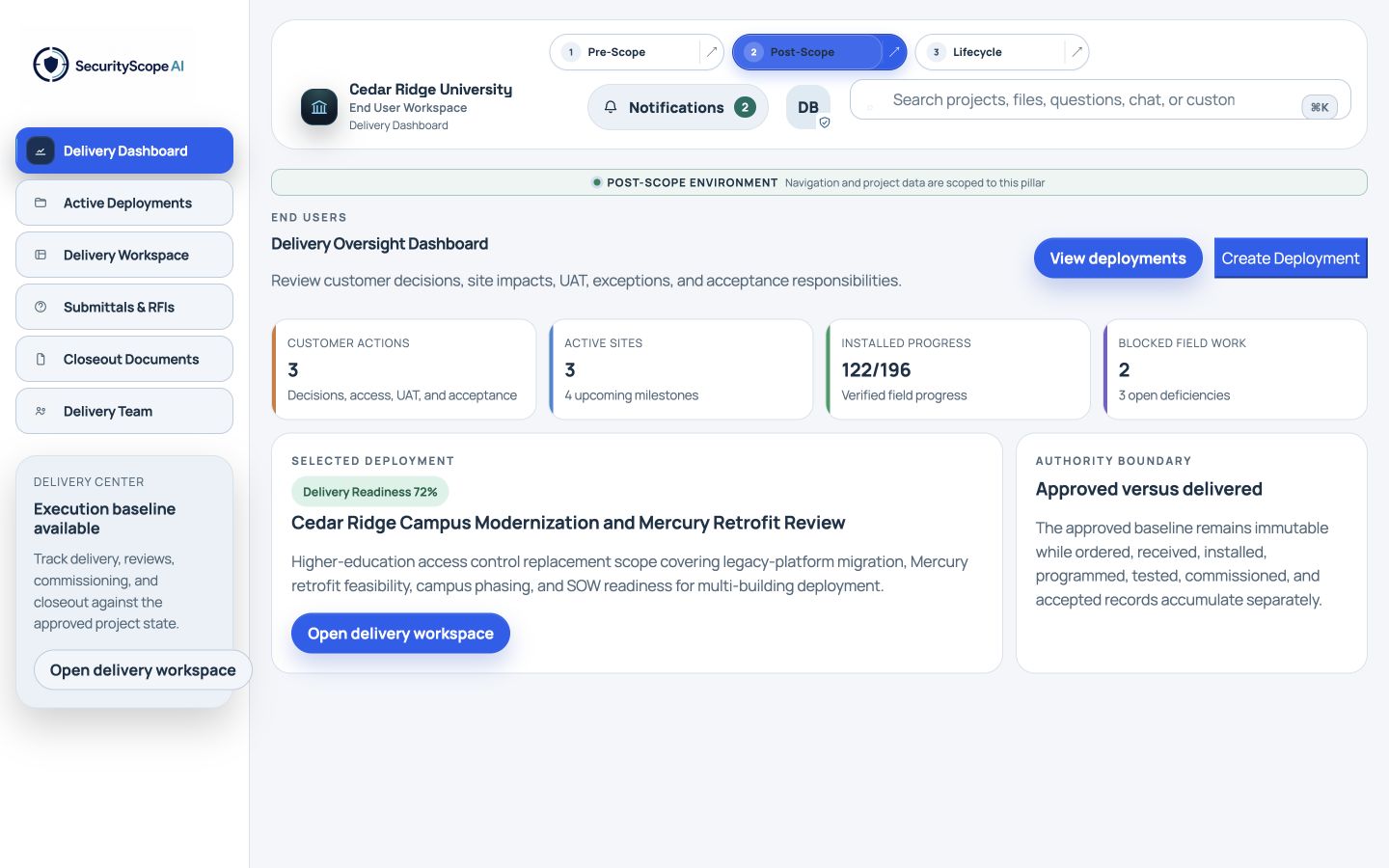
Pre-Scope, Post-Scope, and Lifecycle each work independently. When combined, governed context moves forward without re-entry.
Pre-Scope defines the approved basis
Post-Scope owns execution and as-built change
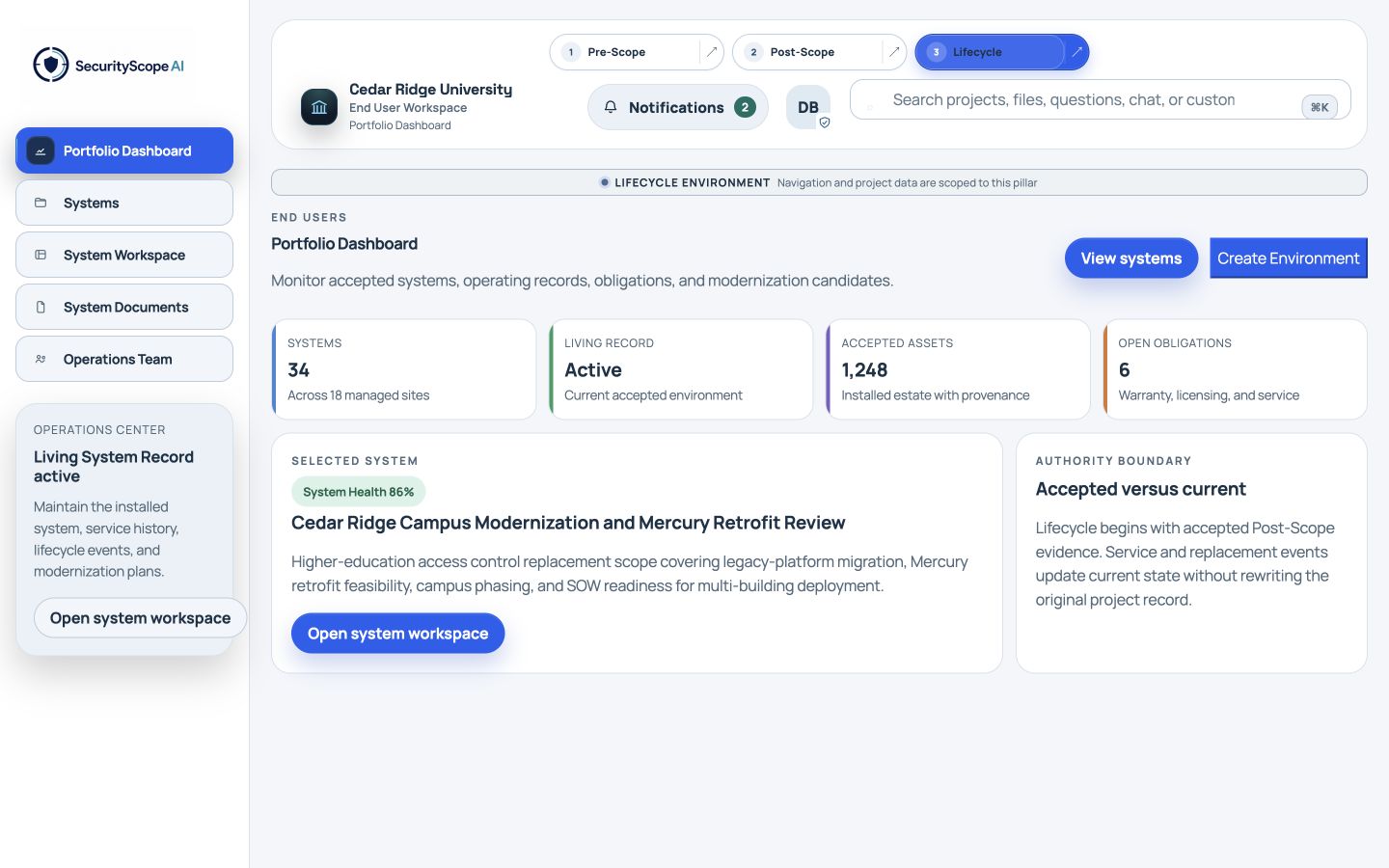
Lifecycle manages the installed environment
Modernization can begin the next Pre-Scope cycle
Pre-ScopePost-ScopeLifecycle
Standalone first. Connected when available.
08
Ask SSAI
Ask questions, compare options, evaluate performance, and prepare reviewable actions using only authorized project and tenant context.
Cited answers
Status, owner, and next action
Portfolio analytics where reliable
Draft actions requiring approval
Ask SSAIWhat is blocking the next handoff?
Blocked
Network segmentation approval is still required.
Why: Technical design and BOM finalization depend on the production VLAN decision.
2 governed sources · Network Standard p. 6 · RFI-014
Automation boundary
SSAI prepares the intelligence. Authorized people control the decision.
The engine can refresh assessments, summarize activity, create drafts, and notify responsible participants. It does not independently approve handoffs, publish assessments, accept installations, or initiate modernization.